ℹ️ This option is available for renderings in "Auto Mode" and "Manual Mode".
AI variation from the gallery
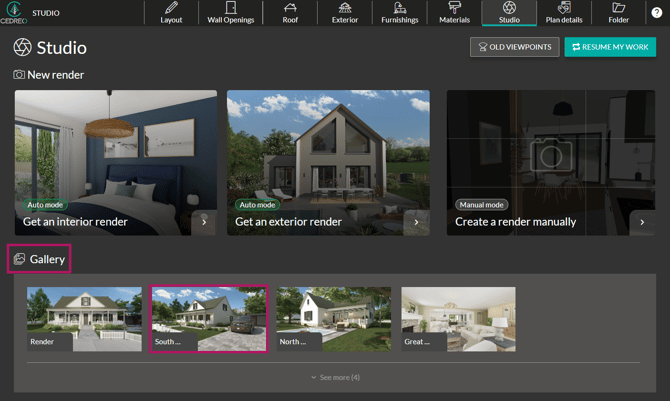
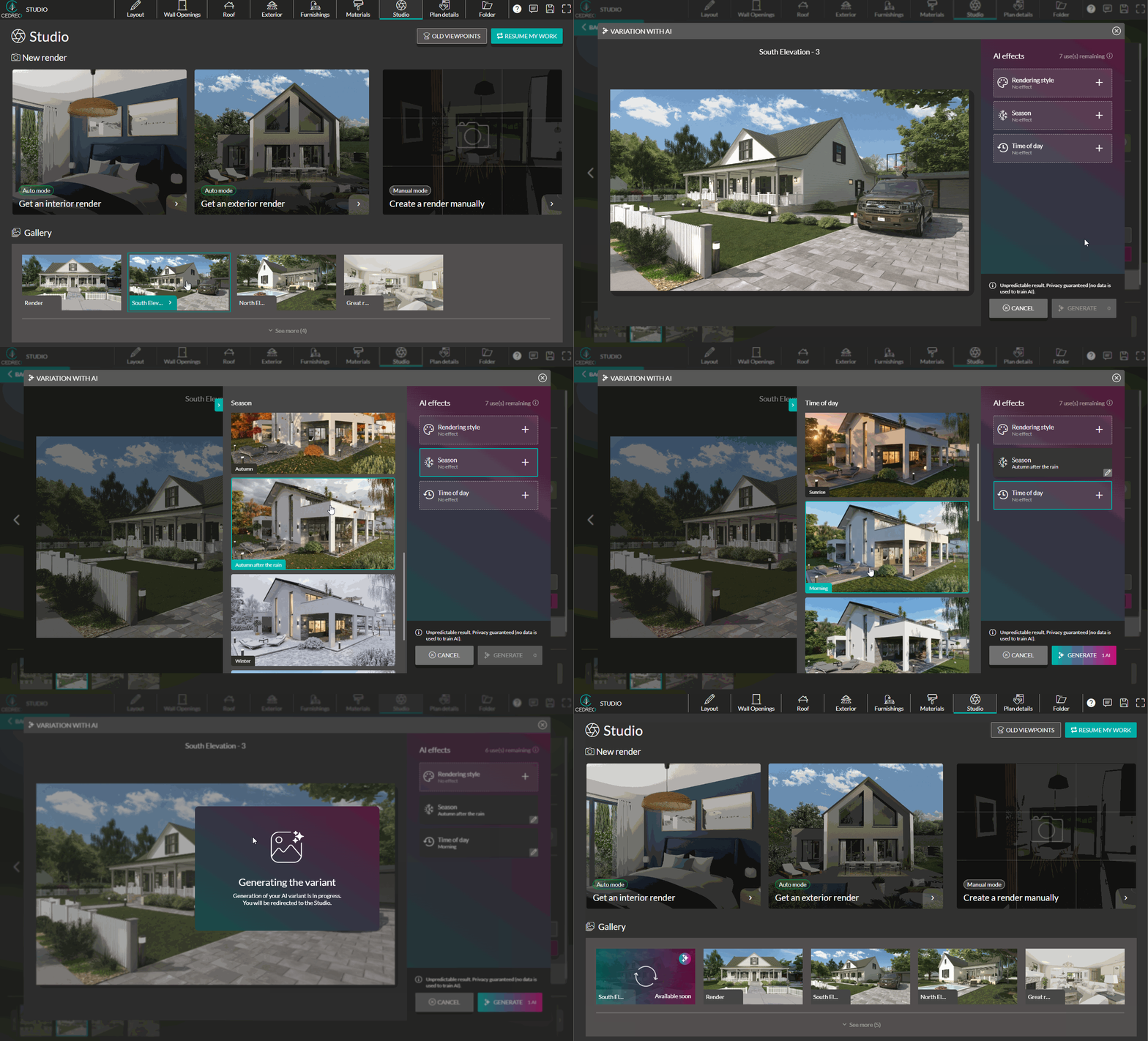
1. Go to the "Studio" step.

2. In the "Gallery", select a rendering you want to enhance with AI.
3. In the "Actions" section of the right-hand panel, click "AI Variation".

4. Click the "+" button to apply one of the available filters.
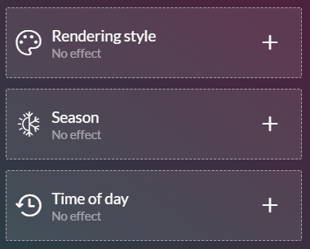
💡 Combine "Season" and "Time of Day" effects to create a unique rendering.
5. Click "Generate" to create the rendering with the selected effect.

ℹ️ Using "AI Variations" from the Gallery only consumes one usage credit and does not consume a rendering credit.
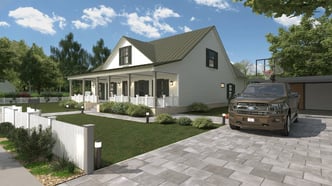

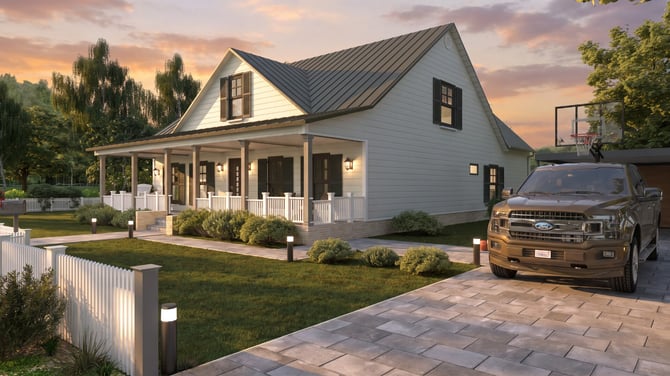
On the left, a Full HD rendering with the "Meadow" environment; on the right, the same rendering with an AI Variation: "Fall After Rain + Morning."
Adding AI effects from the scene
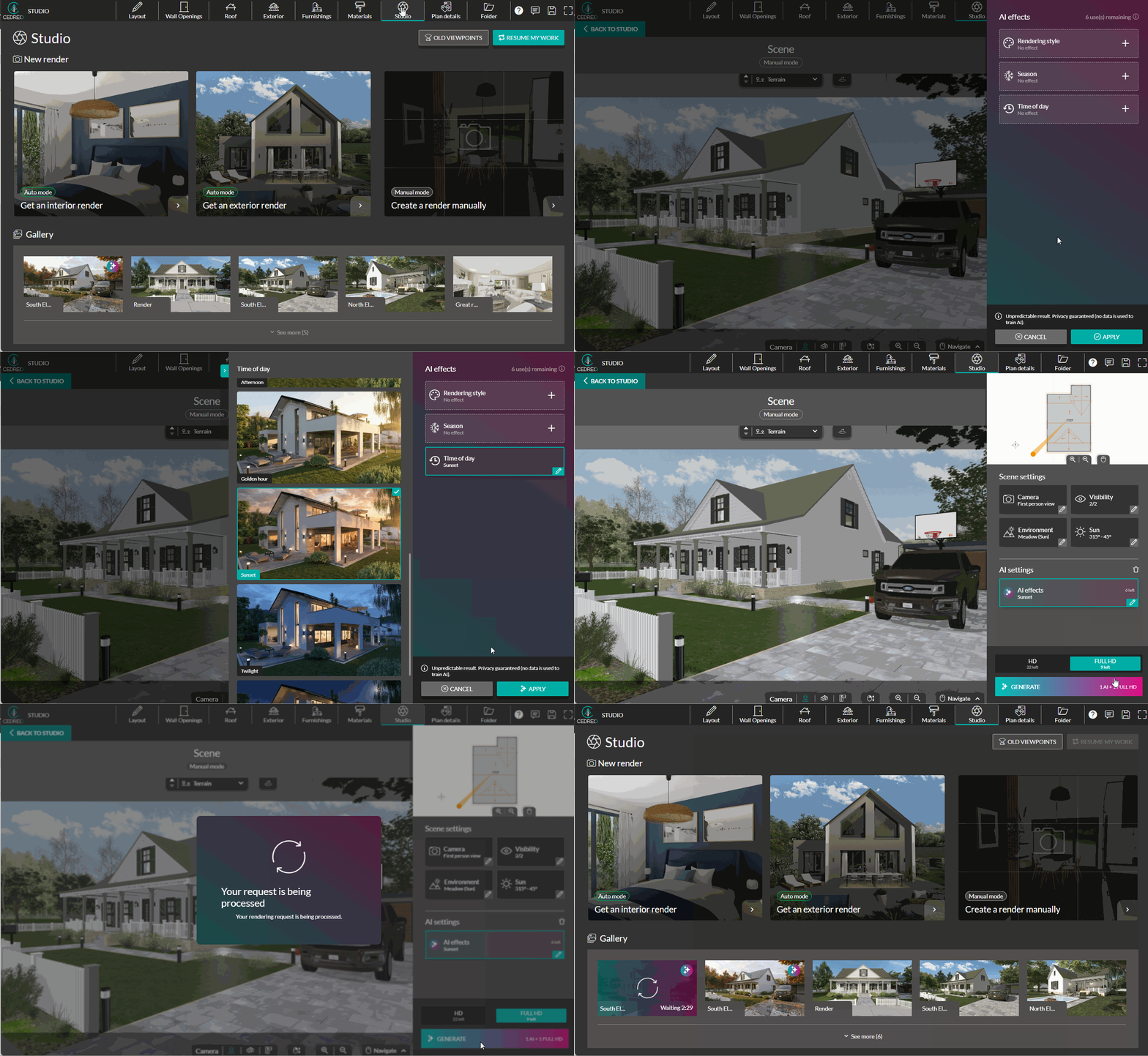
1. Go to the "Studio" step and configure your rendering as usual (Auto Mode / Interior, Auto Mode / Exterior, or Manual Mode).
2. In the right-hand panel, click "AI Effects" in the "AI Settings" section.
3. Select your effects and click "Apply" to confirm your selection.

4. Choose your render format from "HD", and "FULL HD."

⚠️ By default, the format is set to "HD." Check your format before starting a render.
5. Finally, press "Generate" to start creating the visual.

⚠️ With this method, it consumes both one AI effect and one rendering credit.
ℹ️ The available styles are based on predefined prompts optimized by the Cedreo teams to provide consistent but unpredictable results.