![Logo-cedreo-bkg-white-1.png]](https://help.cedreo.com/hs-fs/hubfs/Logo-cedreo-bkg-white-1.png?height=40&name=Logo-cedreo-bkg-white-1.png)
ℹ️ This tutorial applies only to a render generated in "Manual mode."
The "Sun" setting allows you to create a play of shadows in your exterior rendering or control the light intensity in an interior rendering.
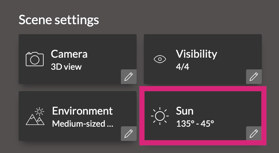
To manage the sun, go to the "Studio" stage in "Manual mode," then access the "Scene settings" within the "Scene" window.
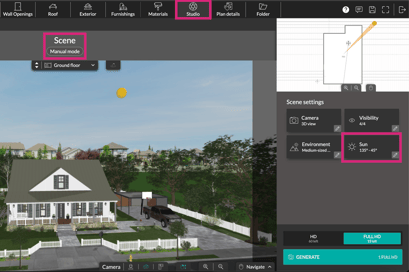
By clicking on the "Sun" setting, you can adjust the light orientation using the "Longitude" (sun orientation) and "Latitude" (height) options, modifying the values either by direct entry or by using the arrows.
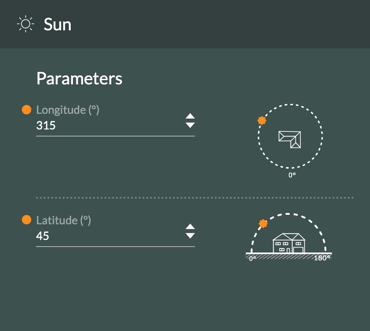
ℹ️ To help you orient yourself, 3D and 2D representations of the sun's position are also available.
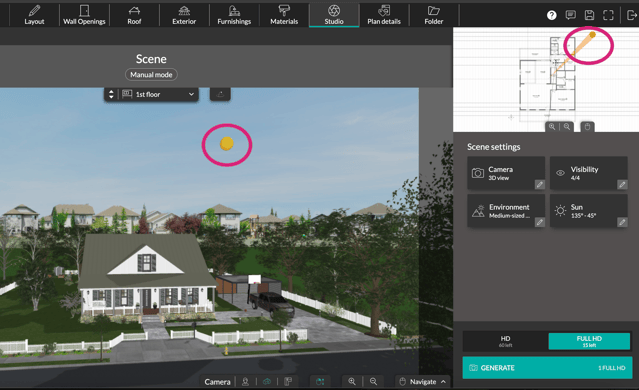
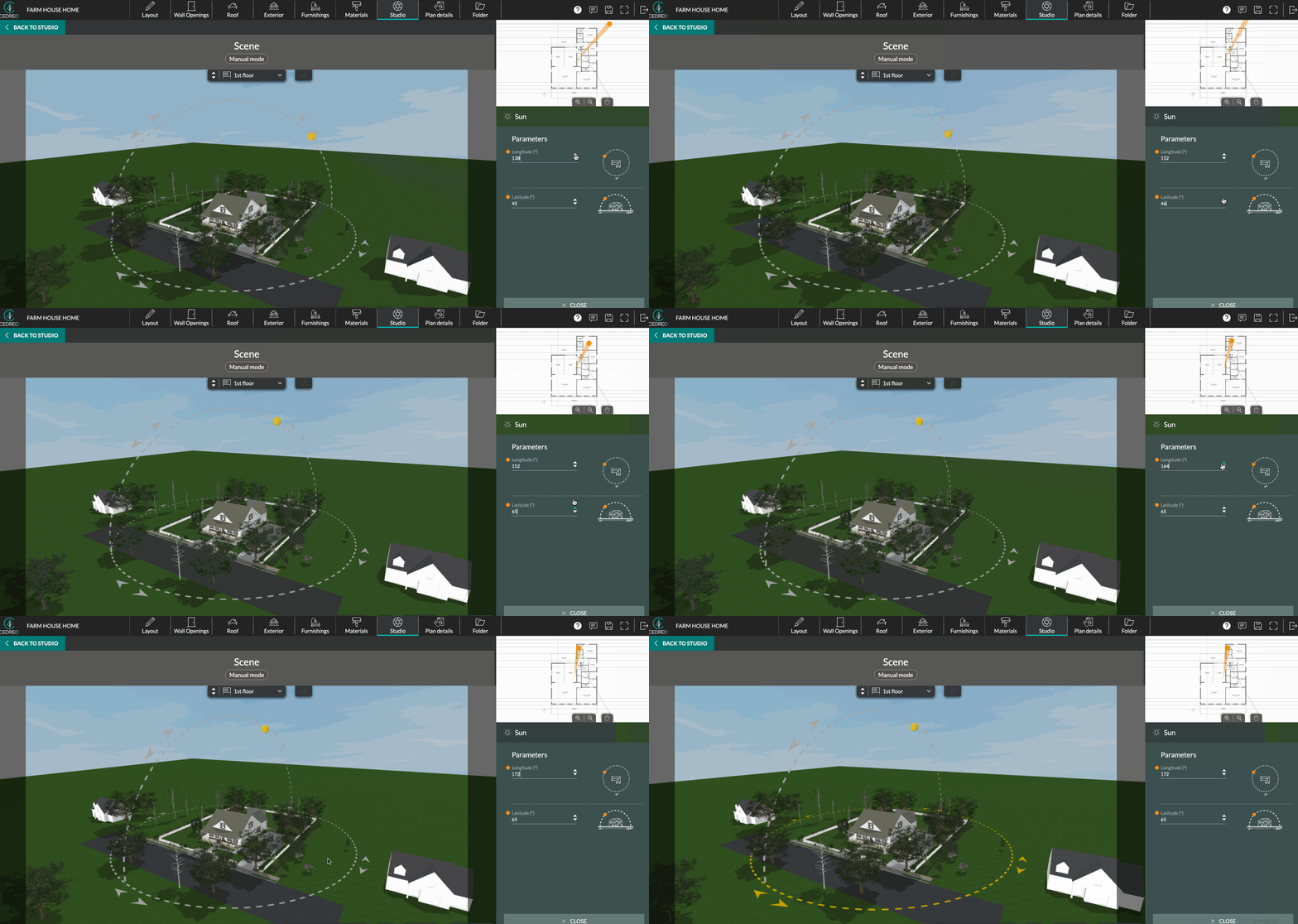
Another method: by enabling the "Sun adjustment in 3D" option, you can adjust the sun's position directly with the mouse by manipulating the displayed horizontal (longitude) and vertical (latitude) axes.
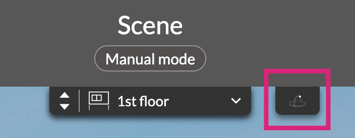
 Disabled
 Activate
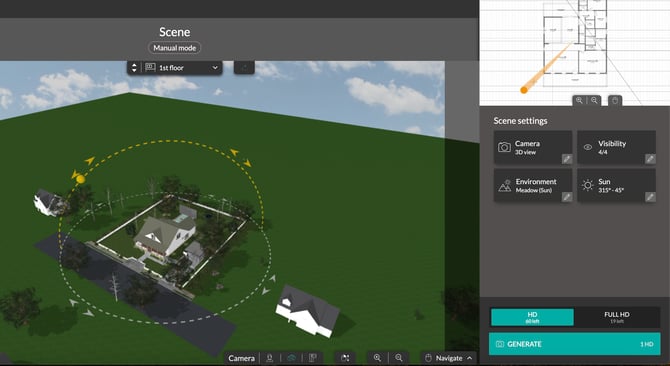
💡In 3D, you can visualize the projection of shadows on your project in real time to evaluate the impact of your sun settings.