![Logo-cedreo-bkg-white-1.png]](https://help.cedreo.com/hs-fs/hubfs/Logo-cedreo-bkg-white-1.png?height=40&name=Logo-cedreo-bkg-white-1.png)
You can select the render formats in the "Studio" step within the right-hand panel of the "Scene" window, whether you are in auto or manual mode.
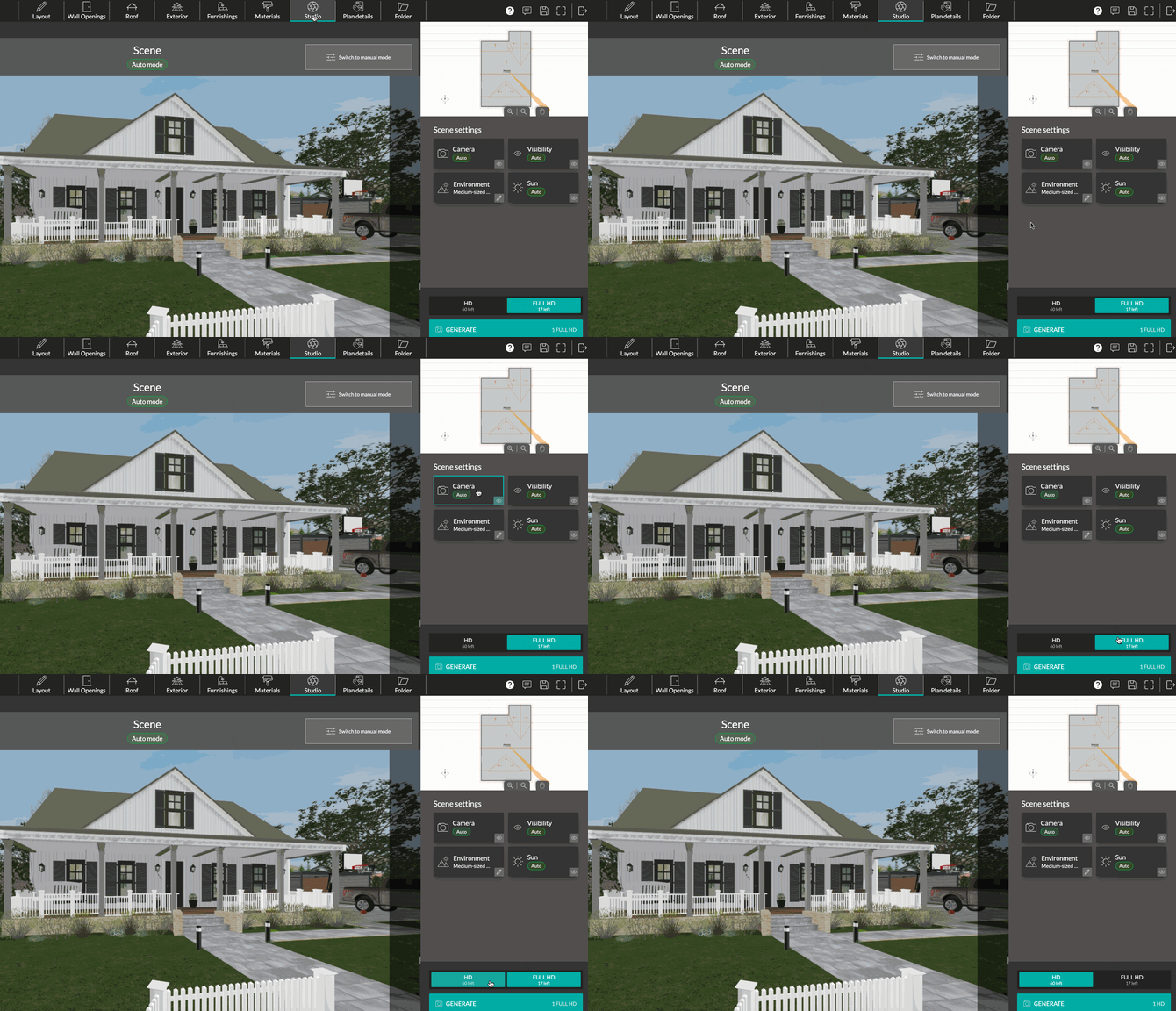
There are two formats: "HD", and "FULL HD." Under each format, the number of remaining renders for the rest of the month is displayed.

⚠️ The default format is "HD." Check your format before starting a render.
- HD
HD renders (1280 x 720) provide high-quality images suitable for display on a laptop or tablet screen.
-
Full HD
The Full HD format (1920 x 1080) offers the highest image resolution, but it is also the most data-intensive format. It allows images to be displayed on large screens while maintaining high quality.
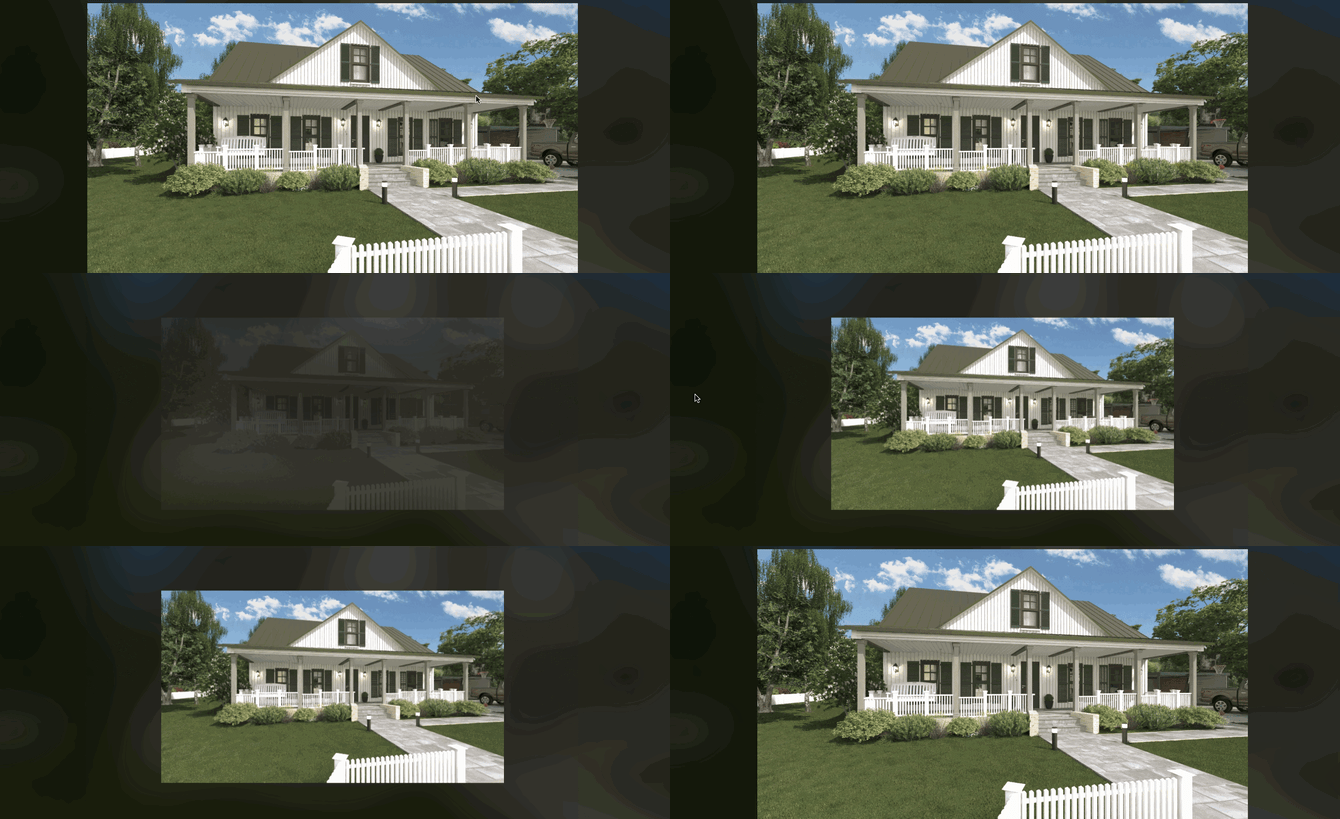
Above, the first render is an "HD" render, and the second is a "FULL HD" render.