![Logo-cedreo-bkg-white-1.png]](https://help.cedreo.com/hs-fs/hubfs/Logo-cedreo-bkg-white-1.png?height=40&name=Logo-cedreo-bkg-white-1.png)
⚠️ This feature is available for Enterprise accounts and accessible to the owner of the account only.
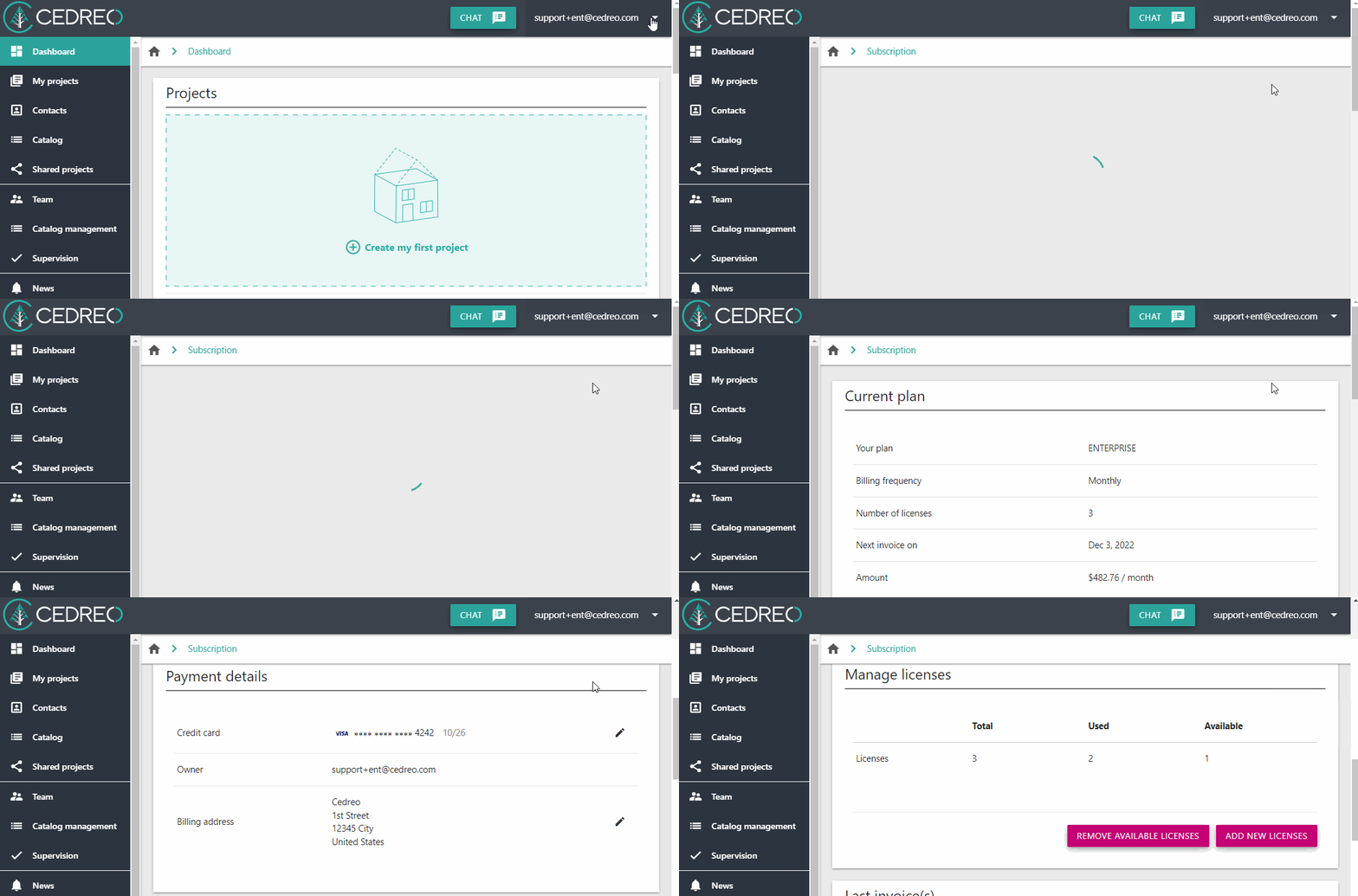
1. Click on the drop down arrow next to your email address on the top right corner.
2. Scroll down to the "Manage licenses" section. You will see how many licenses remain available.